
Apar Chatbot guides
Each guide is one short video and the same steps written out, with screens from the video. All of them are shown on aparexam.com, our own product website.
Every video, in the Apar Chatbot playlist on YouTube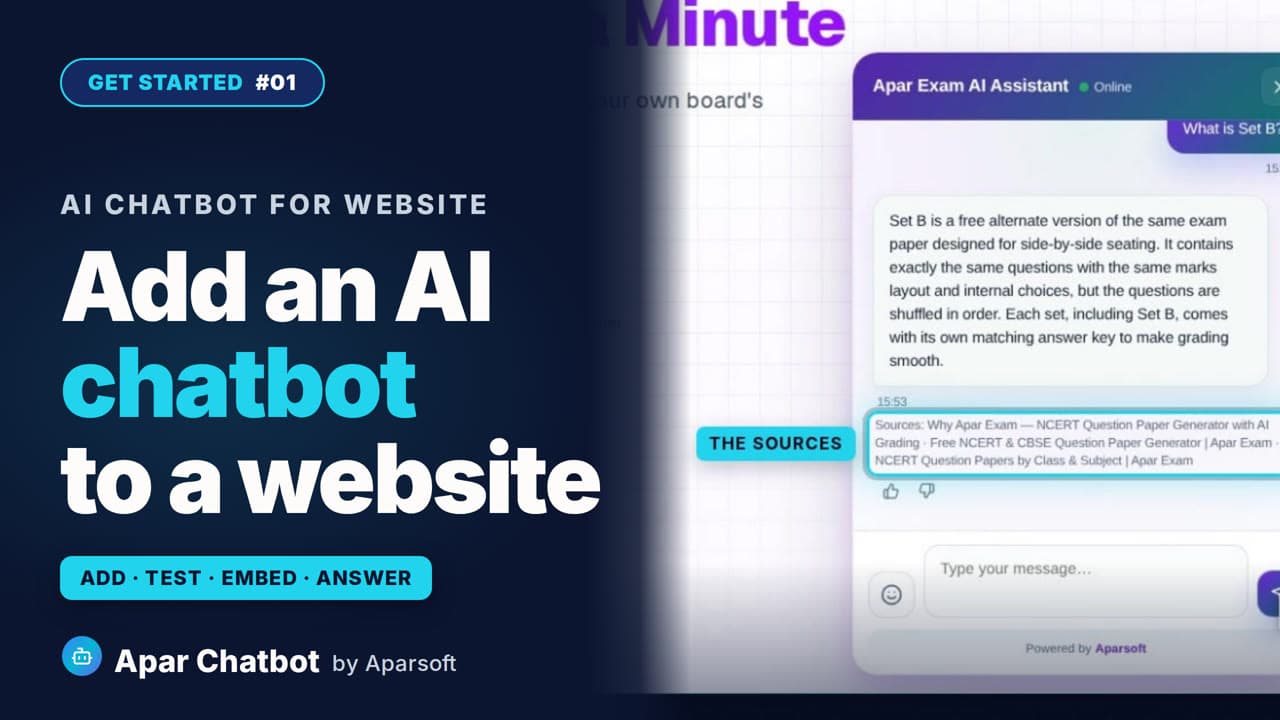 2:02
2:02Video #01
How to add an AI chatbot to your website
Add an AI chatbot to your website, start to finish: add the website, let it read the pages, test it, match your colours, paste one snippet, and see a visitor's question answered from your own pages, with its sources.
Read the guide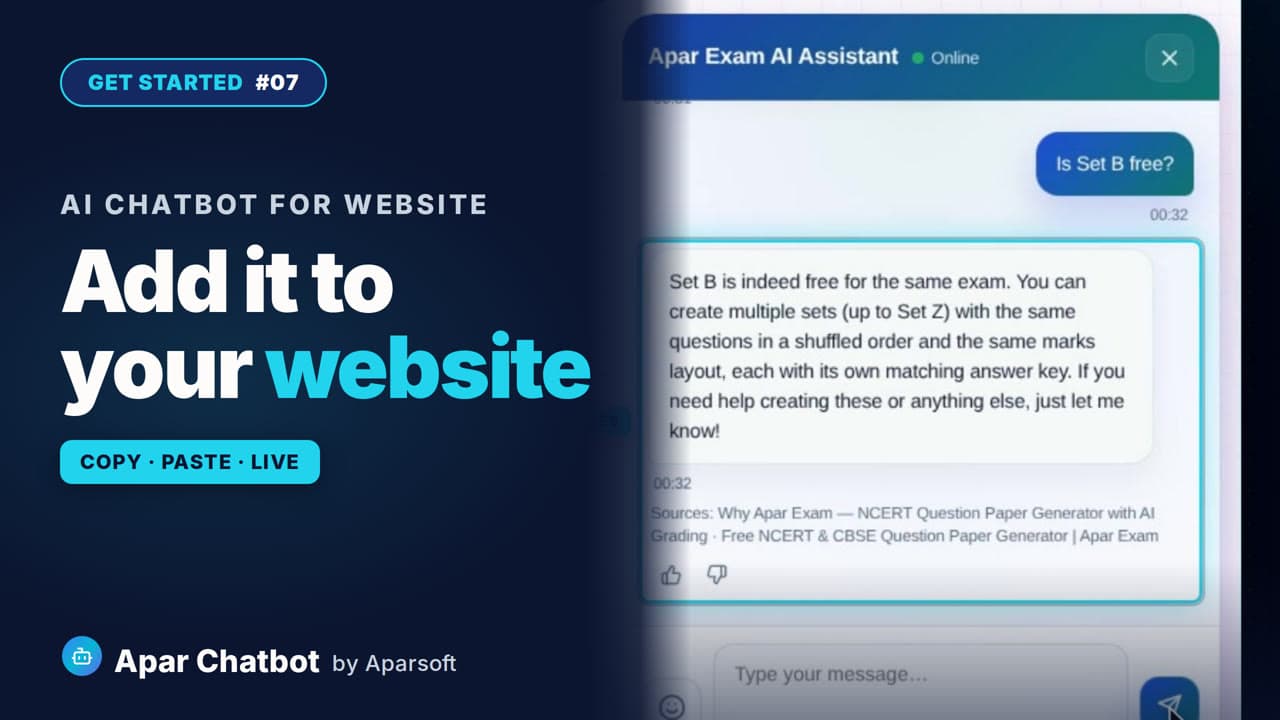 1:40
1:40Video #07
How to add a chatbot to your website with one HTML code
Put an AI chatbot on your website with one short HTML code: where to find it in Embed Codes, the shortest version, where to paste it, and what to do on WordPress, Wix or Shopify.
Read the guide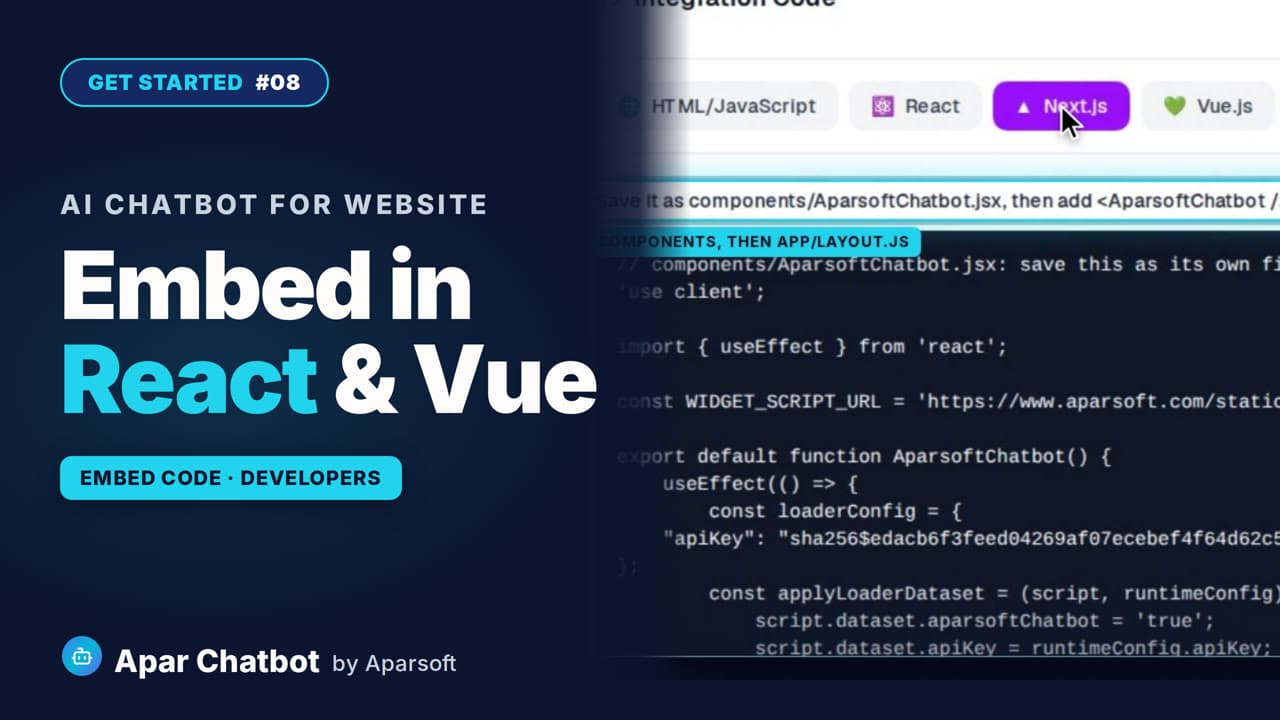 1:24
1:24Video #08
How to add a chatbot to React, Next.js, Vue or Angular
Add an AI chatbot to a React, Next.js, Vue or Angular app: the ready file Embed Codes gives you for each, where to save it, the one place to add it, and nothing to install.
Read the guide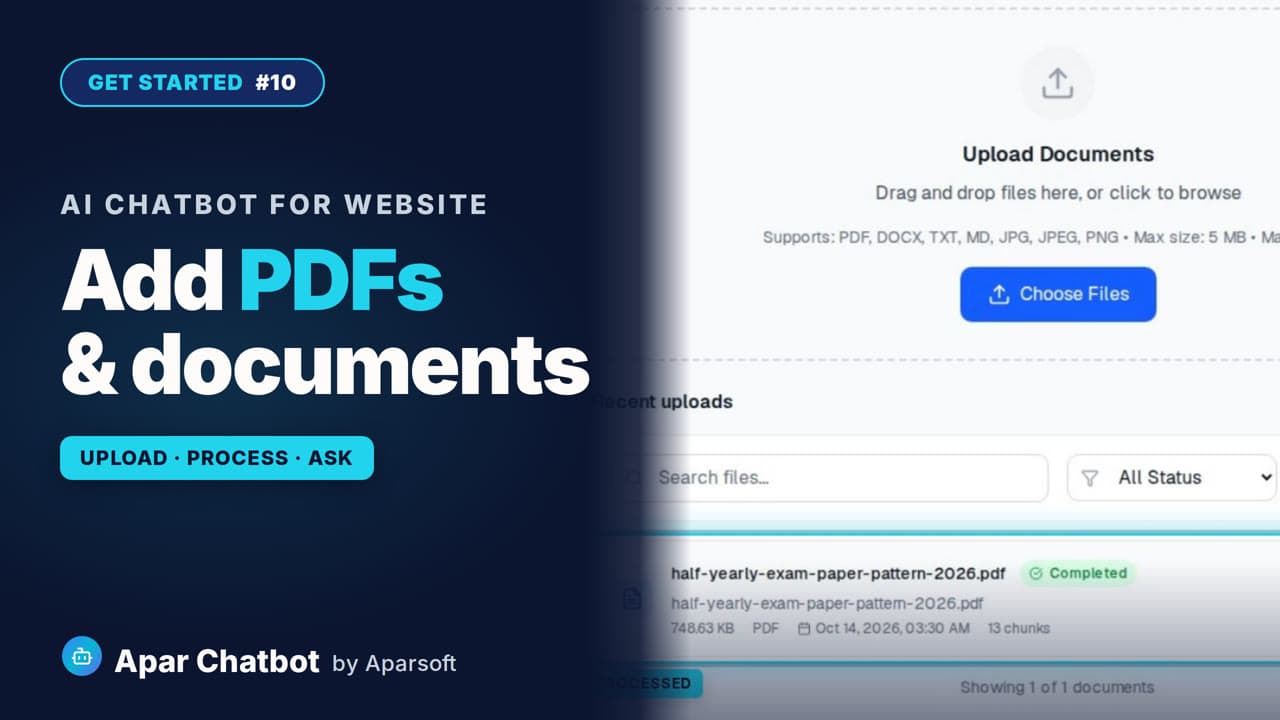 1:33
1:33Video #10
How to train a chatbot on your PDFs and documents
Your chatbot can answer from more than your website. Upload your PDFs and documents, process them, and it answers from them too, with the document named in its sources.
Read the guide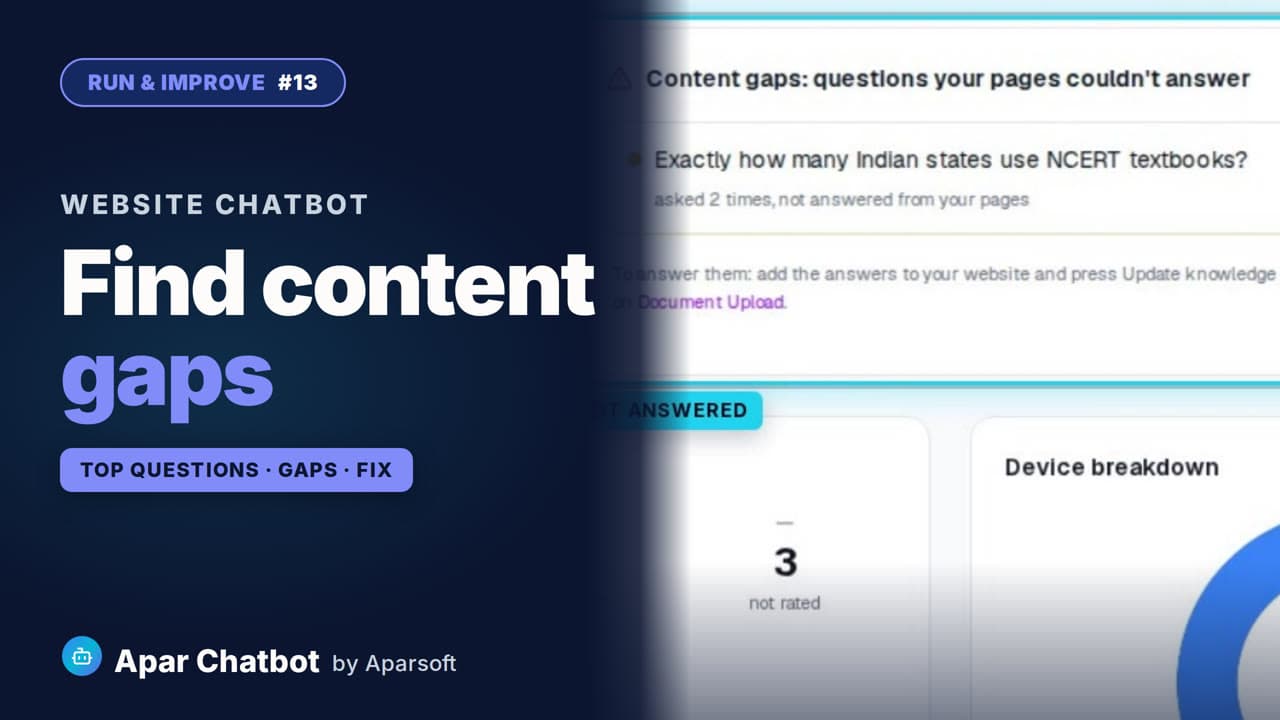 1:33
1:33Video #13
How to find the questions your chatbot can't answer
Visitor Analytics lists the questions your website doesn't answer, and how often each was asked. Here is how to find them and add the answers, so the chatbot answers next time.
Read the guide